You downloaded the Student Beans app. You verified your student status. And then... you kind of just used it for the occasional online promo code. Sound familiar?
If you've never ventured much further than the homepage, you're not alone. Loads of students are using just a fraction of what the app can actually do, and that's exactly why we built Account Builder. From finding your favourite local offers to making redemption in-store a seamless experience, Account Builder is designed to help you make the most of your Student Beans account.
Introducing Account Builder
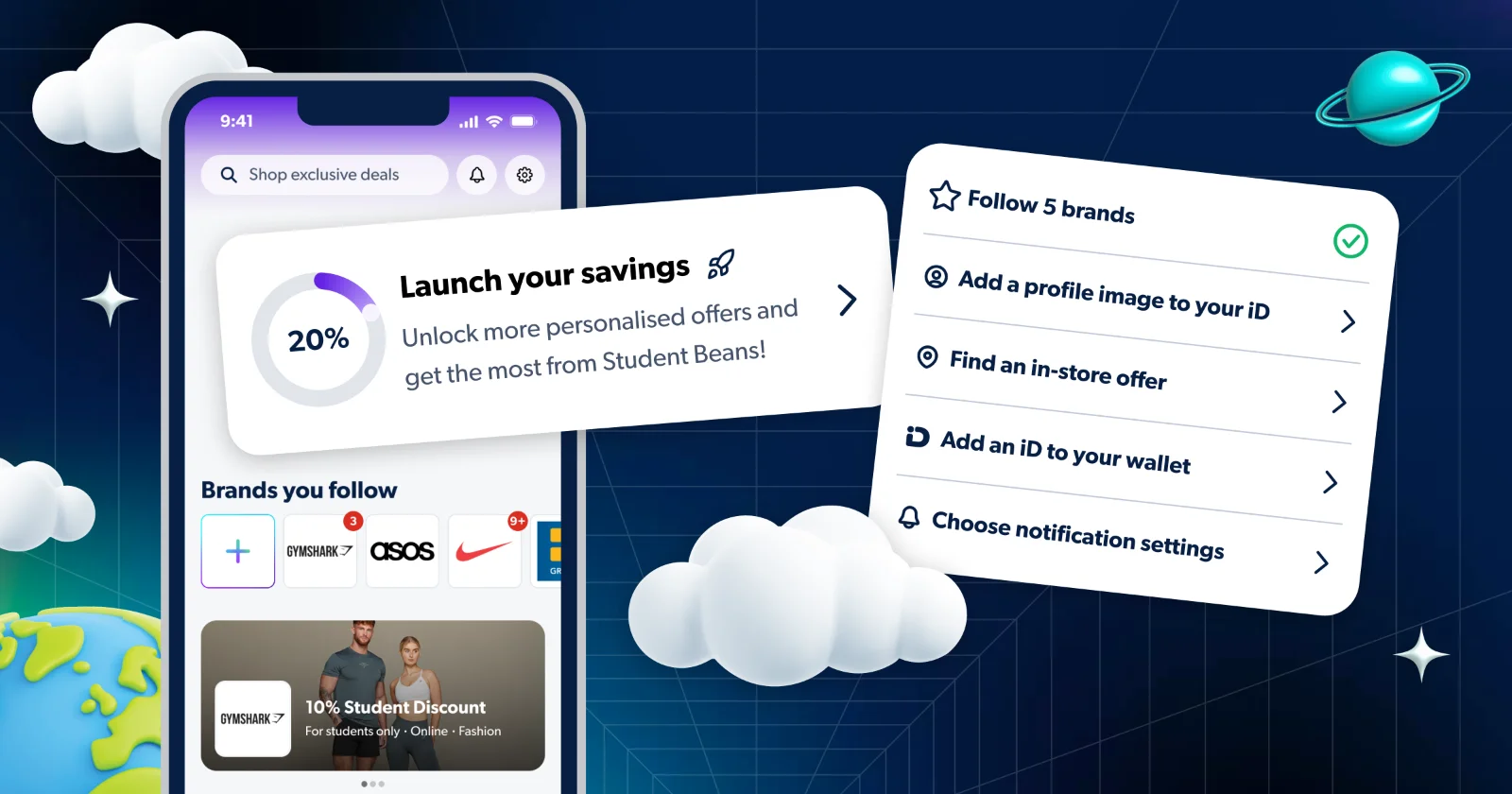
Account Builder is a brand new feature on the Student Beans app homepage, designed to walk you through setting up your account so you're ready to save everywhere — online and on the high street.
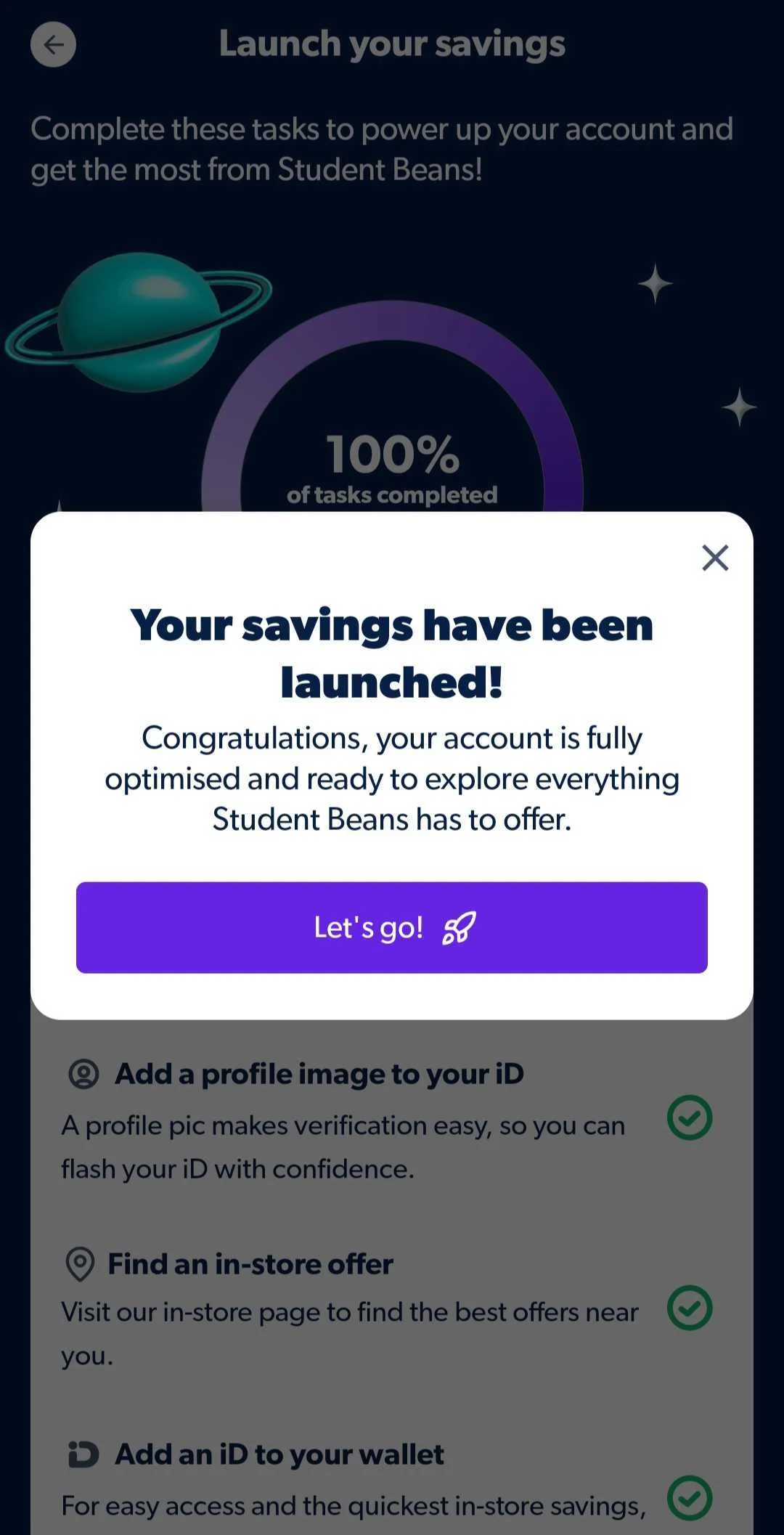
It's a simple checklist of tasks that, once completed, means your app is fully optimised and you're set up to make the most of everything Student Beans has to offer. Think of it as your onboarding glow-up.
Account Builder is available now on the UK Student Beans app, which you can download on iOS and Android.
Why it’s worth your time
Here's the thing: Student Beans isn't just for online shopping. You can use your student discount in-store at a load of retailers too by showing your digital iD at the till or scanning a QR code to unlock savings on the high street.
The problem? A surprising number of students never realised this was even a thing. Account Builder is here to fix that.
Here's what completing it gets you:
A fully set-up profile so you can flash your digital iD with confidence
Your favourite brands saved to your wallet for quick, easy in-store access
In-store offers on your radar so you know exactly where to save near you
Notifications turned on so you never miss a deal from brands you follow
A smoother, faster experience every time you open the app
How Account Builder works
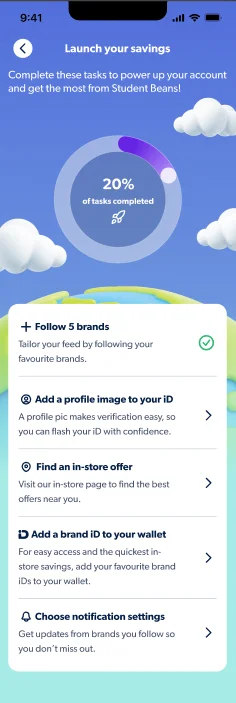
It's as simple as it sounds. Open the app, head to your homepage, and you'll see Account Builder front and centre. Work through the tasks at your own pace:
Follow 5 brands to tailor your feed to the deals you actually want
Add a profile photo to your iD so it's ready to show in-store
Find an in-store offer by exploring the map for retailers near you
Add a brand iD to your wallet for quick access at the till
Turn on notifications so you're always first to know about new deals
You don't have to do them all at once, but the more you complete, the better your experience. Each task is designed to unlock a bit more of what the app can do — so it's worth seeing it through.
Why should you use Account Builder?
Say you're heading into town on a Saturday. You open the app, check the map for in-store offers nearby, and realise your favourite brand has a student discount in-store. You tap on it, your digital iD is already saved to your wallet, and you show it at the till without having to faff around. Job done.
That's the experience Account Builder is built around, making sure that when you walk into a store, everything's ready to go.
Try it now
Account Builder is live on the UK Student Beans app right now. Open the app, and you'll find it on your homepage. If you can’t see it on your homepage, just head to the settings page where you’ll be able to complete your profile.
Not got the app yet? Download it below and start setting up your account today.
Download the Student Beans app
FAQs
Is Account Builder available to all users?
How do I access Account Builder?
Do I have to complete all the tasks?
I didn't know Student Beans worked in-store. How does that work?
I've completed Account Builder. What now?
You're all good to go! Head to the map in the app to find in-store discounts near you and start saving on the high street.
Check out our ultimate guide to all things SB for handy app updates.
Unlock even more with Student Beans
All your favourite brands at your fingertips, from fashion and beauty to food and drink, available to college and uni students aged 16 and over. Dive into our blog to find tips and advice to help you navigate student life, from applying to uni to life after graduation.
- Sign up for a Student Beans account or log in to start saving on the biggest and best brands.
- Download the Student Beans app to unlock exclusive app-only discounts.