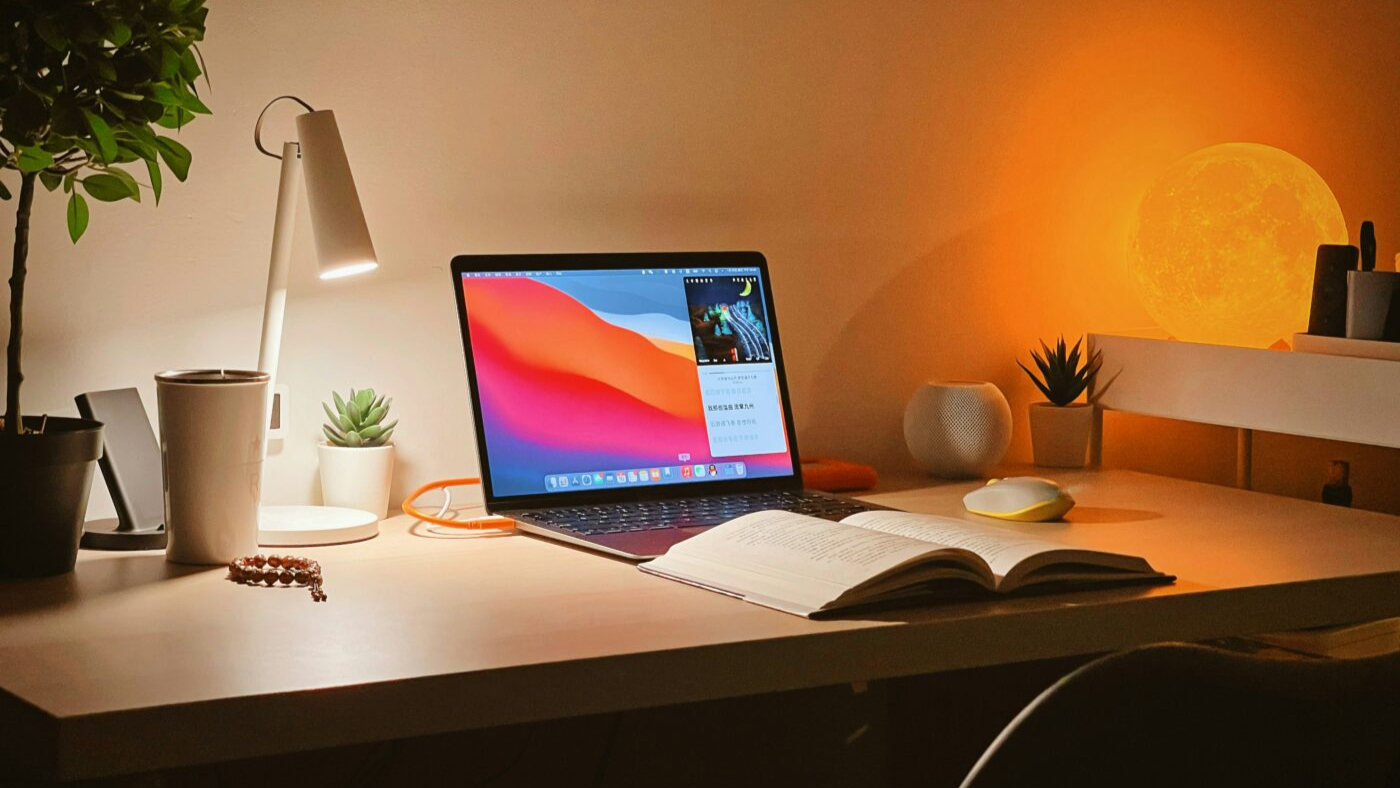
The laptop that can handle anything student life throws at it.
Daily Zoom calls with your family? Juggling coursework and assignments? Working on a side hustle? Netflix binging? You need a laptop that does it all, and handles it without overheating.
The MacBook Air M5 is one of the most popular choices among students — and for good reason. It's lightweight, powerful, and built to last well beyond your university years. With the right student discount, it's also more affordable than you might think.
In this guide, we'll walk you through everything you need to know about the MacBook Air M5, from its standout features to the best places to save money as a student.
Music, tv, gaming and more, our guide to student entertainment will make sure you’re never bored.
The laptop that can handle anything student life throws at it
The MacBook Air M5 is Apple's latest ultra-portable laptop, launched in March 2026. Powered by Apple's brand-new M5 chip — featuring a blazing 10-core CPU and up to a 10-core GPU — it handles everything from heavy multitasking to creative projects with ease. Whether you're editing a dissertation, running design software, or streaming a boxset in the library, the M5 has the performance to keep pace.
What makes it a standout pick for students is the combination of raw power, all-day battery life, and a fanless design that keeps things silent in quiet study spaces. It's the kind of laptop you can rely on from freshers' week to graduation day — and long after.
The pros of MacBook Air
Aside from its very sleek and modern design, the latest MacBook Air is full of top-notch tech features that will enhance your experience.
Some of the main pros include:
Long-lasting battery life — the MacBook Air M5 delivers up to 18 hours of video streaming or 15 hours of wireless web browsing. You can realistically get through a full day of lectures, library sessions, and Netflix without reaching for your charger.
Ultra-portable design — weighing just 1.24kg, the 13-inch MacBook Air is one of the lightest laptops you can buy. It slips easily into a uni bag alongside your books, water bottle, and gym kit.
Serious performance from Apple M5 — the M5 chip delivers up to 4x faster AI performance than the previous generation, making it ideal for creative work, coding, data analysis, and multitasking across dozens of browser tabs.
Fanless and completely silent — there's no fan inside the MacBook Air, which means no humming or whirring in the library. Perfect for quiet study environments.
Stunning Liquid Retina Display — the crisp, high-resolution screen makes it a dream for note-taking, video calls, and creative work. At 500 nits brightness, it's easy to read even in bright coffee shops.
More storage than ever — the M5 model now comes with 512GB of storage as standard (double the M4's 256GB), so you've got plenty of room for your files, photos, and projects right out of the box.
Seamless Apple ecosystem integration — if you already use an iPhone or iPad, the MacBook Air slots right in. AirDrop, iCloud, iMessage, Apple Intelligence, and Handoff all work together to make your workflow genuinely seamless.
Wi-Fi 7 and Bluetooth 6 — the latest wireless standards mean faster, more reliable connections on campus networks and in student accommodation.
Education pricing — Apple offers the MacBook Air M5 at a reduced price for students through the Apple Education Store, with access unlocked via Student Beans verification.
The cons of MacBook Air
No laptop is perfect, and it's worth knowing the trade-offs before you commit.
Limited ports — you get two Thunderbolt 4 (USB-C) ports, a MagSafe 3 charging port, and a 3.5mm headphone jack. If you need to connect multiple peripherals — an external monitor, USB-A accessories, an SD card reader — you'll want a hub. The good news is that Thunderbolt 4 is much faster and more versatile than standard USB-C, and with MagSafe handling charging, you keep both Thunderbolt ports free for other devices.
Not built for high-end gaming — the MacBook Air handles casual and indie games well, but if AAA gaming is a priority, you'll be better served by a dedicated Windows gaming laptop.
macOS learning curve — if you've grown up on Windows, macOS will take some adjustment. Most students find they adapt within a few weeks, but it's worth knowing the transition is coming.
Recommended hubs and accessories
If you need more ports, these are solid options that pair well with the MacBook Air:
MacBook Air student discounts
A student discount a day keeps the overdraft away…
We're all about making things more affordable and accessible for students, why should they have to fork out big bucks on necessities?! Luckily, you've come to the right place.
We've got all the MacBook Air student discounts available to you:
Apple Education Store
The Apple student discount gives you access to the Apple Education Store, where the MacBook Air M5 13-inch starts at £999 — a saving of £100 off the standard £1,099 retail price. The 15-inch model is available from £1,199 (down from £1,299).
To unlock the Apple student discount, simply verify your student status through Student Beans and you'll be taken directly to the Education Store. It's one of the best-value ways to buy a new Mac — and any additional Back to School gift card offers Apple runs during the summer months are applied on top.
Currys
The Currys student discount regularly features MacBook deals alongside generous savings across laptops, tablets, and accessories. Verified students can access exclusive codes at checkout — check the current offers before you buy, as savings can be substantial. You can also see and touch the MacBook Air in-store before committing, which is worth doing if you've never used one before.
Laptops Direct
The Laptops Direct student discount unlocks money off selected laptops, including Apple models. If you're hunting for a deal on a MacBook Air and don't mind comparing across a few retailers, Laptops Direct is worth adding to your shortlist — they often have competitive prices on current-gen Apple hardware.
Where to buy MacBooks
Not every place is going to offer a MacBook Air student discount, or have deals and offers going, but if you simply can't wait for days like Black Friday, or want a different model, check out these places below to find your ideal MacBook:
MacBook Air M5 vs MacBook Pro: which should students buy?
For most students, the MacBook Air M5 is the smarter buy. It's lighter, quieter, cheaper, and more than powerful enough for academic work, creative projects, and everyday use. The MacBook Pro is built for professionals running sustained workloads — video editors rendering long files, developers running multiple virtual machines — and the extra cost isn't worth it for most student use cases.
Still not sure? Our guide to the best MacBook for students walks through every current MacBook model to help you choose the right one for your degree and budget.
MacBook Air vs iPad: what should students buy?
If you're also considering an iPad, the choice comes down to how you work. The MacBook Air is a full laptop — better for writing essays, coding, running desktop software, and multitasking. An iPad is great for note-taking, reading, and consuming content, but it can't fully replace a laptop for most degree programmes.
We dig into this in detail in our iPad vs MacBook comparison for students — worth a read if you're torn between the two.
Unlock even more with Student Beans
All your favourite brands at your fingertips, from fashion and beauty to food and drink, available to college and uni students aged 16 and over. Dive into our blog to find tips and advice to help you navigate student life, from applying to uni to life after graduation.
- Sign up for a Student Beans account or log in to start saving on the biggest and best brands.
- Download the Student Beans app to unlock exclusive app-only discounts.