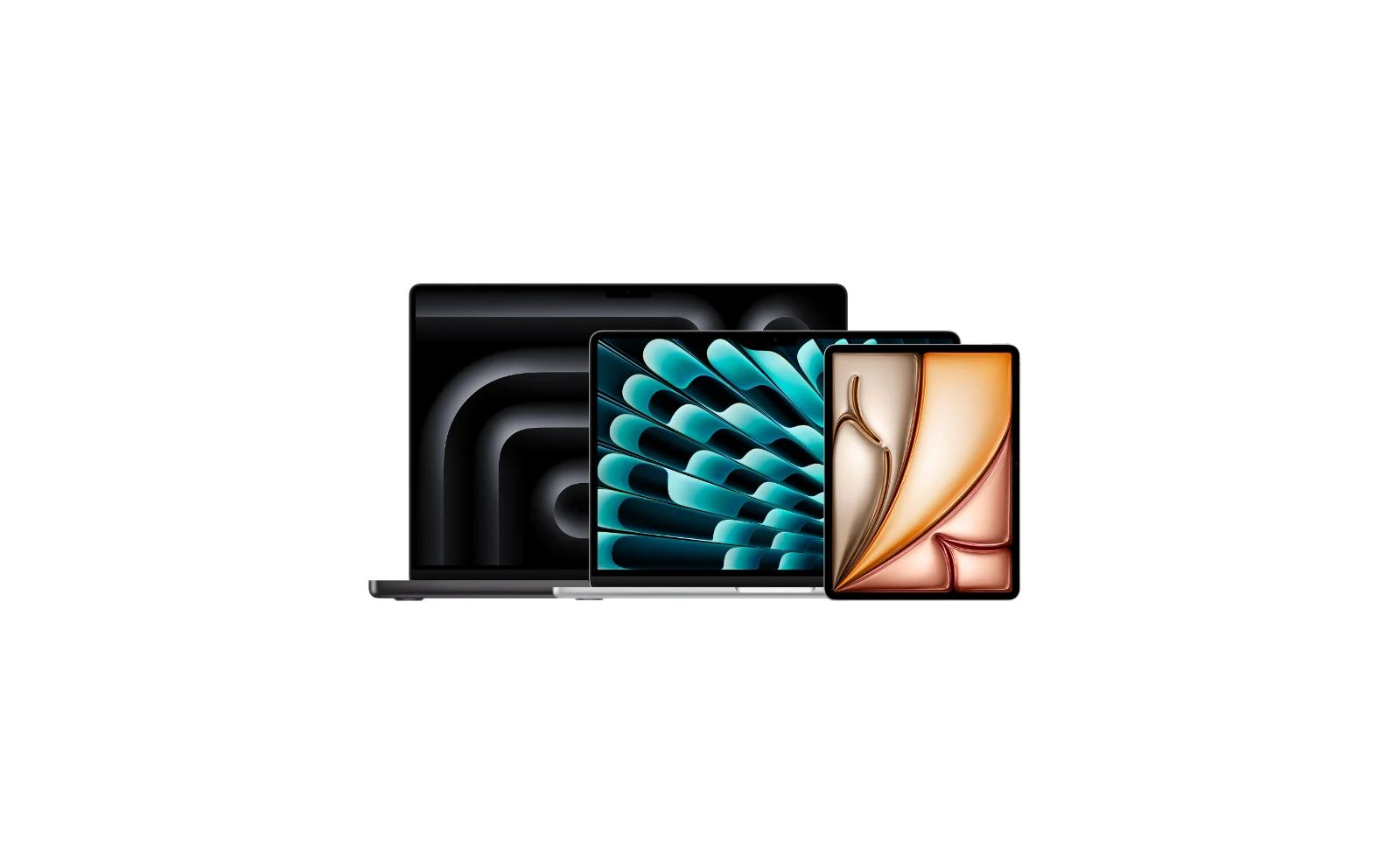
Choosing the best MacBook for students shouldn't feel like a second degree. Apple currently sells six different MacBook Pro configurations across three chip tiers, and the "right" one depends entirely on what you're studying, not just your budget. This guide breaks down the full 2026 MacBook Pro line-up, shows you every place Student Beans members can currently claim a student discount on a MacBook, and tells you honestly when you should just buy a MacBook Air instead.
Only after a MacBook Pro's overkill? See our separate guide to the best MacBook Air deals for students.
Download the Student Beans app to unlock every deal below instantly and get notified the second a price drops.
Jump to:
Why students rate the MacBook Pro
If your course involves video editing, coding, music production, architecture, design, or anything with "3D" in the module title, the MacBook Pro is built for you. The active cooling system means it won't throttle halfway through a render, the battery genuinely lasts a full library day, and macOS plays nicely with everything from Final Cut to Xcode to Logic Pro.
It's not the cheapest laptop you'll ever buy — but with a Student Beans discount stacked on top of Apple's own education pricing, it's a lot more accessible than the sticker price suggests.
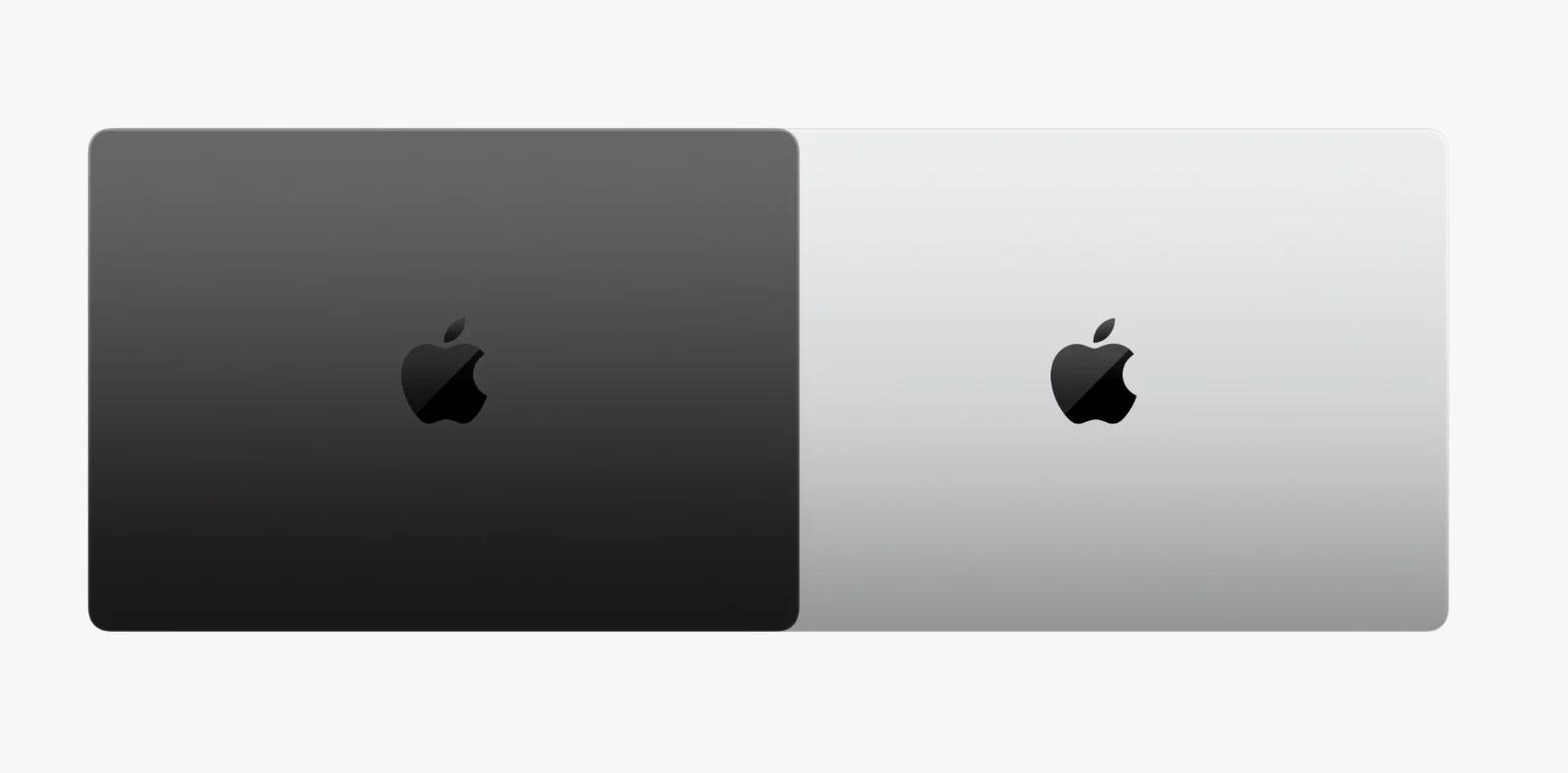
The 2026 MacBook Pro line-up at a glance
Model | Chip | Storage (base) | UK price from | Best for |
|---|---|---|---|---|
M5 | 1TB | £1,699 | Essays, coding, light editing, most students | |
M5 Pro | 1TB | £2,199 | Film/media students, heavier multitasking | |
M5 Pro | 1TB | £2,699 | Same as above + bigger screen for design work | |
M5 Max | 1TB | £3,599 | 3D, VFX, music production at a pro level | |
M5 Max | 1TB | £3,899 | Postgrad/professional-grade rendering & AI work |
Prices shown are Apple RRP before any student discount and fluctuate — always check the live price in-app before buying, as retailers and Apple both adjust pricing frequently.
Our take: unless you're doing genuinely heavy 3D, VFX or music production work, the base 14" M5 model is the one to buy. It's the one we've featured deals for below — but we've included the Pro and Max tiers too for anyone who needs the extra headroom.
MacBook Pro 14" (M5) deals — the student pick
This is the sweet spot for 90% of students: enough power for coding, design software, and multi-tab chaos, without paying for pro-tier grunt you won't use.
Retailer | Deal via Student Beans | What you get |
|---|---|---|
Save up to £150 off RRP + up to 10% off AppleCare+ | Free engraving, official Apple warranty, choice of configuration | |
Up to 15% off laptops with a verified student code | Instant online redemption, price-match guarantee | |
Student Prime pricing + rotating deals on Apple stock | Fast delivery, easy returns |
Get the Apple Education student discount.
MacBook Pro 14"/16" (M5 Pro) deals
If you're editing 4K footage, running heavier CAD software, or just want the extra ports and brighter screen, the M5 Pro tier is worth the jump.
Retailer | Deal via Student Beans | Notes |
|---|---|---|
Education pricing + AppleCare+ discount | Best for the latest spec, direct from Apple | |
Student discount code at checkout | Good for in-store finance options | |
Fluctuating third-party and Apple-fulfilled discounts | Worth checking against Apple's own price first |
MacBook Pro 14"/16" (M5 Max) deals
This tier is genuinely overkill for most degrees — but if you're doing postgrad VFX, music production, or ML/AI coursework that needs serious local compute, it's here.
Retailer | Deal via Student Beans | Notes |
|---|---|---|
Education savings on the highest configs | Biggest £ saving in absolute terms | |
Student discount code | Check stock — high-end configs sell out fastest | |
Occasional bundle deals | Watch for AppleCare+ bundled discounts |
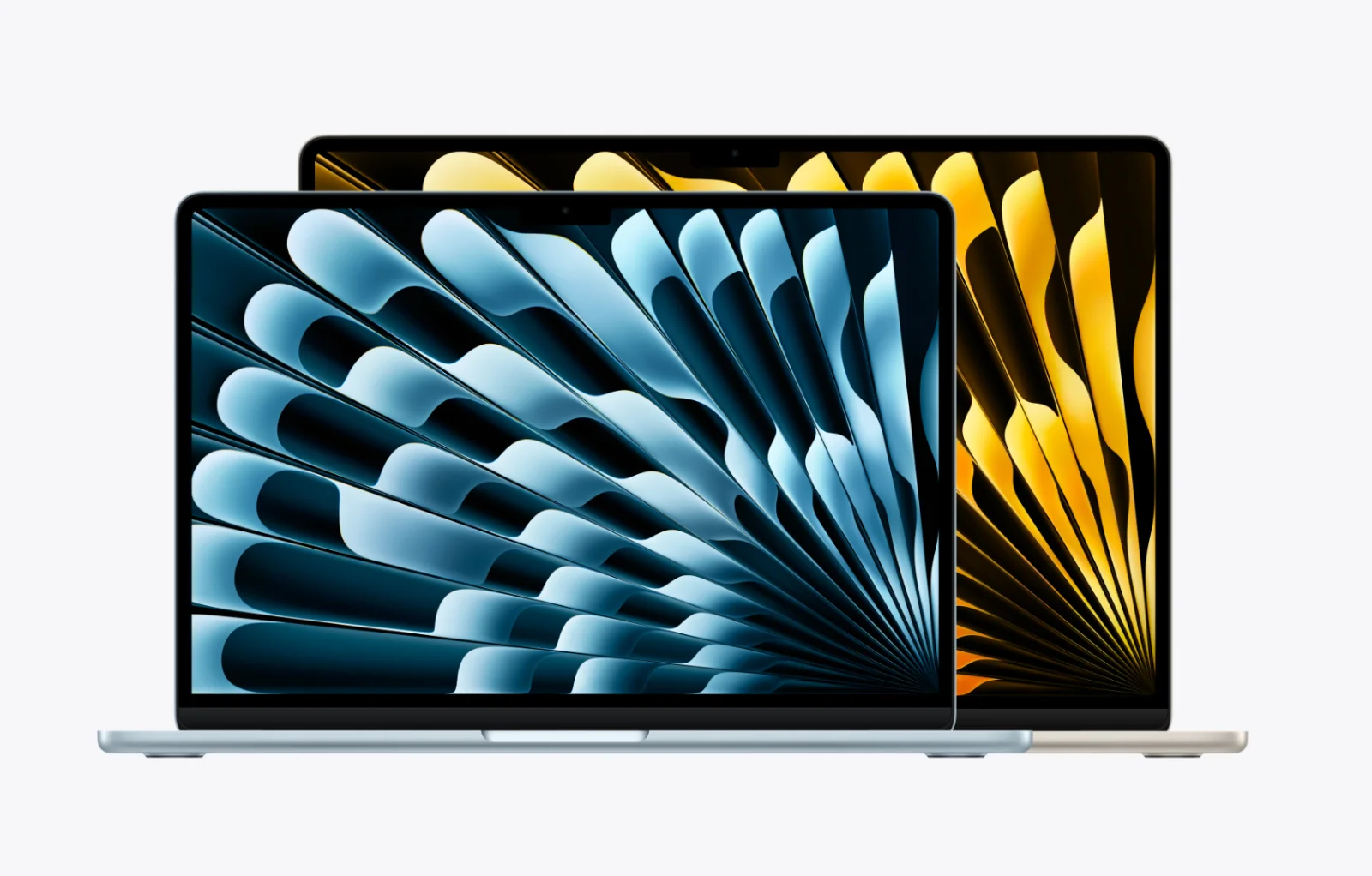
MacBook Pro vs MacBook Air: which should you buy?
Before you commit to Pro pricing, be honest about whether you actually need it.
From | £1,099 | £1,699 |
Screen | Standard LED, 13.6"/15.3" | Liquid Retina XDR, brighter, better contrast |
Cooling | Fanless (can throttle under load) | Active fan (sustains performance) |
Ports | 2x Thunderbolt, MagSafe | 3x Thunderbolt 5, HDMI, SD card, MagSafe |
Battery life | Excellent for everyday use | Excellent, even under heavy workloads |
Best for | Essays, browsing, note-taking, lectures | Editing, coding, design, anything render-heavy |
If your laptop's biggest daily task is Google Docs, Canvas and fifteen Chrome tabs, the Air will save you £600 and do the job just as well. Save the Pro budget for a course that actually needs it.
Pros and cons vs other models MacBook Pro 14" (M5) — the one we recommend for most students
✅ Pros
Best balance of price and performance in the range
Active cooling means no throttling during long study sessions or renders
Same stunning XDR display as the pricier Pro/Max models
Thunderbolt 5 future-proofs it for external monitors and fast storage
Apple's education pricing + Student Beans code stack for a genuinely meaningful saving
❌ Cons
Still a significant upfront cost vs Windows alternatives or the MacBook Air
3 Thunderbolt ports only (Pro/Max 16" models get more flexibility)
Overkill if your course is essay- and browser-based
MacBook Pro 14"/16" (M5 Pro/Max) — for specific courses only
✅ Pros
Handles 4K/8K editing, 3D rendering and ML workloads without breaking a sweat
16" option gives serious screen real estate for design and film work
More memory bandwidth and unified memory headroom for large files
❌ Cons
Steep jump in price for specs most students won't fully use
Heavier, especially the 16"
The saving from a student discount, while bigger in £ terms, is a smaller percentage of a much higher price
How to get a student discount on a MacBook through Student Beans
Download the Student Beans app or head to our Apple student discount page.
Verify your student status — takes under a minute.
Unlock access to the Apple Education Store pricing and any live AppleCare+ discount.
Cross-check the price against our Currys and Amazon listings above before you check out — sometimes a retailer deal beats the direct Apple saving.
Set a price alert in the app so you're notified if it drops further before term starts.
FAQs
Is there a student discount on MacBooks?
Yes. Apple's Education Store offers discounted pricing on MacBook Pro and MacBook Air, verified through Student Beans, and you can often stack this against retailer deals at Currys or Amazon for an even bigger saving.
What's the best MacBook for students?
For most students, the 14" MacBook Pro (M5) hits the best balance of price and performance. If your course doesn't need Pro-level power, the MacBook Air covers everyday study needs for hundreds of pounds less — see our MacBook Air student discount guide for details.
Is the MacBook Pro worth it for students, or should I get a MacBook Air?
Only if your course involves heavy editing, coding, design or 3D work. For general essay-writing and browsing, the MacBook Air offers nearly identical everyday performance for hundreds of pounds less.
Does Student Beans get you the same discount as UNiDAYS on Apple products?
Both services can verify your student status for Apple's Education Store pricing. Student Beans members can also stack this against deals at retailers like Currys and Amazon, so it's worth comparing all three before buying.
How much can I save on a MacBook Pro with a student discount?
Apple's education pricing typically saves students up to around £150–£280 depending on the model, with additional savings available on AppleCare+. Retailer codes via Student Beans can add further savings depending on current promotions.
Which MacBook Pro is best for a computer science or engineering student?
The base 14" M5 model handles most coding, IDEs and coursework comfortably. If your course involves machine learning, simulation or heavy compiling, consider stepping up to M5 Pro.
Which MacBook Pro is best for film, music or design students?
The 14" or 16" M5 Pro is the sensible entry point for serious editing and production work. M5 Max is worth it only if you're regularly working with very large 4K/8K/3D files.
Do MacBook Pro prices change often?
Yes — Apple, Currys and Amazon all adjust pricing regularly, and Student Beans deals rotate too. This page is checked weekly, but for the most current price always confirm in the Student Beans app before purchasing.
Unlock even more with Student Beans
All your favourite brands at your fingertips, from fashion and beauty to food and drink, available to college and uni students aged 16 and over. Dive into our blog to find tips and advice to help you navigate student life, from applying to uni to life after graduation.
- Sign up for a Student Beans account or log in to start saving on the biggest and best brands.
- Download the Student Beans app to unlock exclusive app-only discounts.