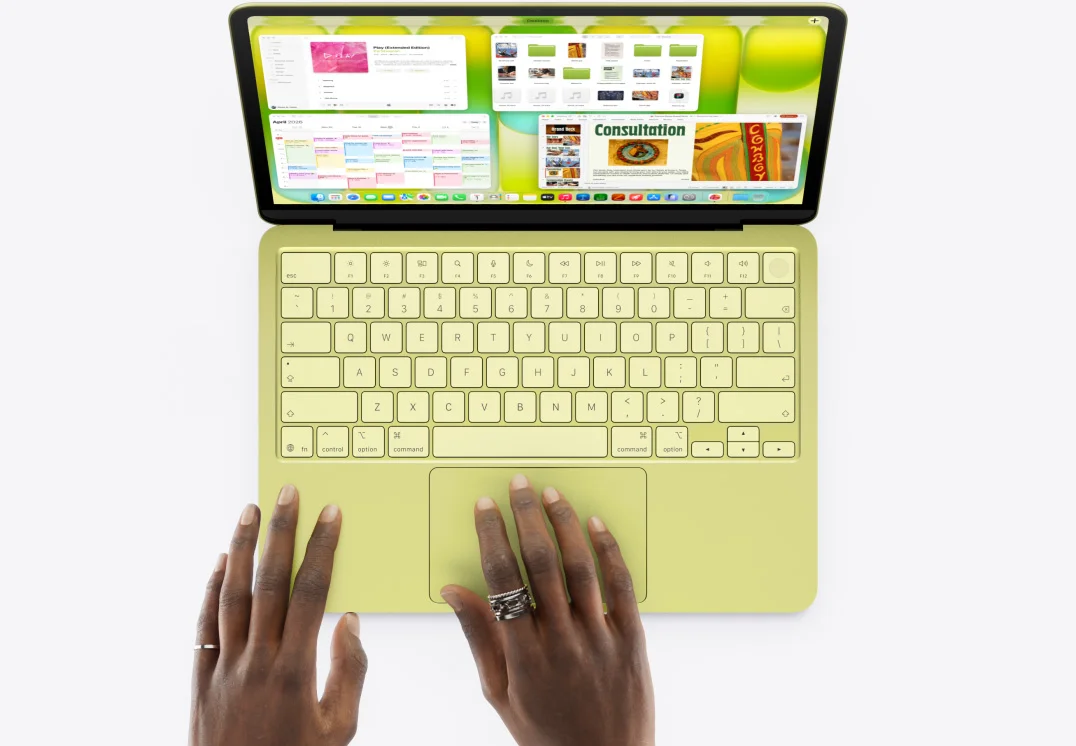
The best MacBook for college isn't one laptop, it's whichever one matches your major and your budget. There are three to choose from right now, and they're built for very different kinds of student:
The MacBook Neo is the cheapest way into macOS, made for notes, essays and browsing.
The MacBook Air (M5) is the all-rounder that suits most students and most majors.
The MacBook Pro (M5 / M5 Pro) is the workhorse for coding, video editing and heavy software.
Jump to:
Last updated: 14 September 2026. Prices and deals are checked weekly, so bookmark this page and check back often.
MacBook Neo: the best budget option
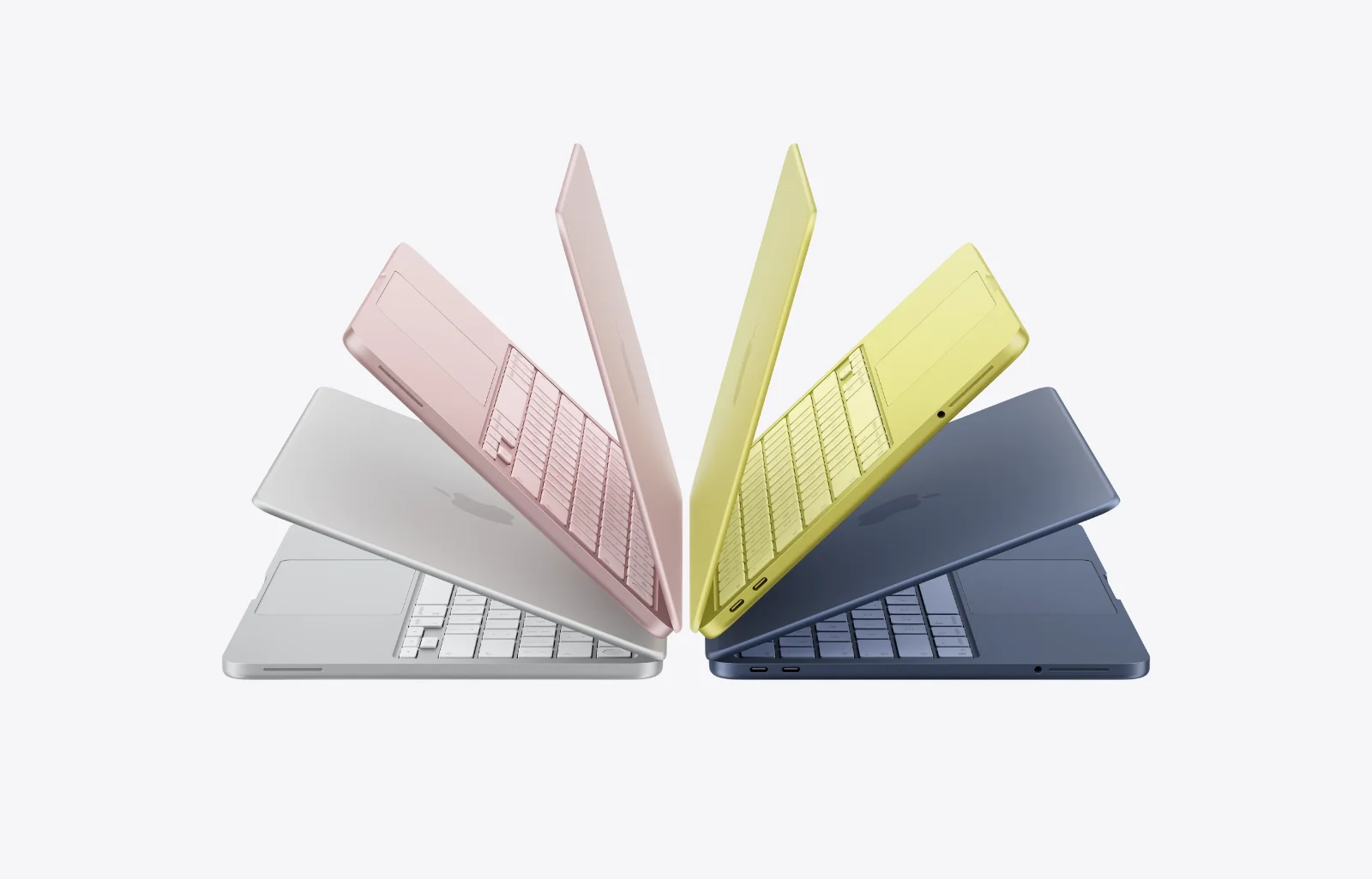
From $599 with Apple education pricing, the MacBook Neo is the cheapest route into macOS Apple has ever made. It pairs the A18 Pro chip with a 13-inch Liquid Retina display, 8GB of RAM, a 256GB SSD and up to 16 hours of battery, all in a light aluminium body that survives a full day in a backpack.
For essays, lecture notes, research and watching TV, it's more than enough, but the honest catch is the ceiling: with 8GB of RAM and a phone-class chip, it's not the one for heavy coding, big Lightroom libraries or 4K video edits. Know your workload before you save the money.
Pros of the MacBook Neo:
Cheapest new MacBook by a wide margin
Light and genuinely portable
Full macOS, not a stripped-back mode
Up to 16 hours of battery
Cons of the MacBook Neo:
8GB RAM limits heavy multitasking
A18 Pro chip isn't built for pro creative work
256GB fills up fast if you store media
Best for: writing-heavy majors, first-time Mac buyers, and anyone on the tightest budget.
Retailer | Price (base model) | Student saving |
|---|---|---|
From $599 | Education pricing via the Apple student discount | |
From $699 | Student deals, clearance and open-box at Best Buy | |
From $699 | College Rollbacks plus free shipping with Walmart | |
From $699 | Top deals and Circle offers at Target |
While other retailers might have other offers on such as free shipping, discounts on Apple Care or other freebies, thanks to our Apple Education store pricing the Apple Store will normally be the cheapest place to buy your MacBook for college, but it's always worth double checking.
MacBook Air (M5): the best all-rounder for most students
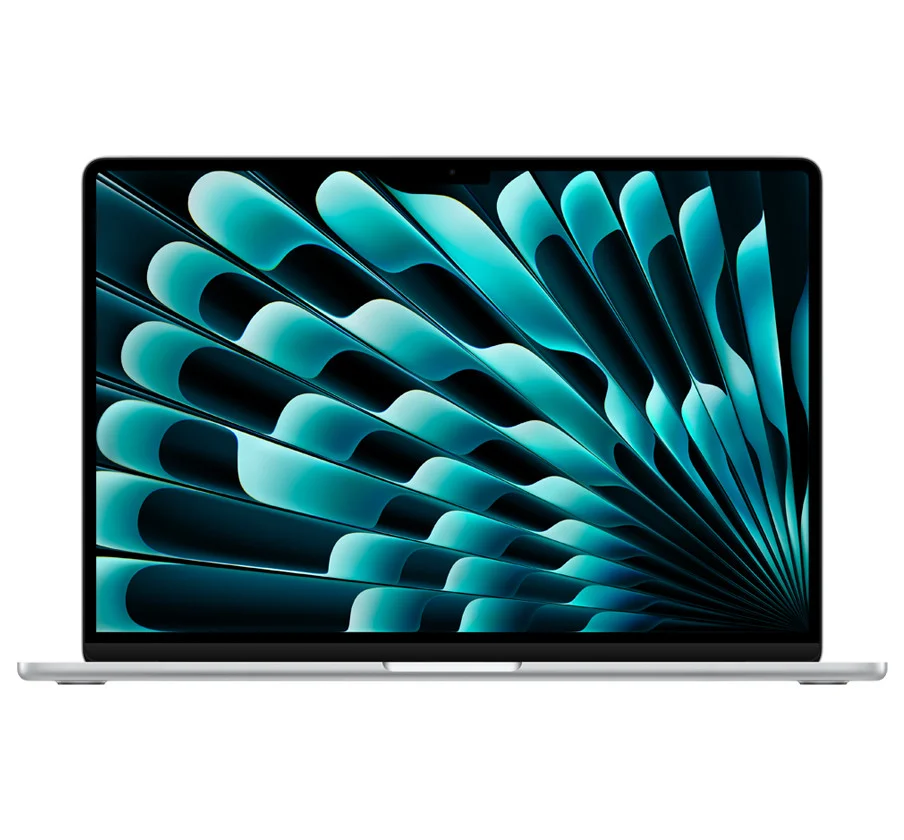
From $1,299 for the 13-inch and $1,499 for the 15-inch, the M5 MacBook Air is the one most students should look at first. The M5 chip, 16GB of RAM as standard and a 512GB base SSD mean it handles notes, research, streaming, light photo and video work and most coding coursework without breaking a sweat, and it does it in silence, with no fan and up to 18 hours of battery.
The choice between sizes is really about your bag and your eyes: the 13-inch is the easiest to carry between classes, while the 15-inch gives you more room for split-screen work and long study sessions. Both got Wi-Fi 7 and Bluetooth 6 in the 2026 refresh, so they'll stay current for years. For the vast majority of majors, this is the best MacBook for college full stop.
Pros of the MacBook Air M5:
16GB RAM and 512GB storage as standard
Fanless and silent, up to 18 hours of battery
Two sizes for portability or screen space
Wi-Fi 7 and Bluetooth 6 for a longer shelf life
Cons of the MacBook Air M5:
No active cooling, so sustained heavy loads throttle
No ProMotion or mini-LED display
Fewer ports than the Pro
Best for: most majors, everyday coursework, and anyone who wants one laptop to do everything.
Retailer | Price (base model) | Student saving |
|---|---|---|
From $1,199 | Education pricing via the Apple student discount | |
From $1,299 | Six months free then 50% off Prime Student | |
From $1,299 | Student deals, clearance and open-box at Best Buy | |
From $1,299 | College Rollbacks plus free shipping with Walmart |
While other retailers might have other offers on such as free shipping, discounts on Apple Care or other freebies, thanks to our Apple Education store pricing the Apple Store will normally be the cheapest place to buy your MacBook for college, but it's always worth double checking.
MacBook Pro (M5 / M5 Pro): the best for heavy workloads
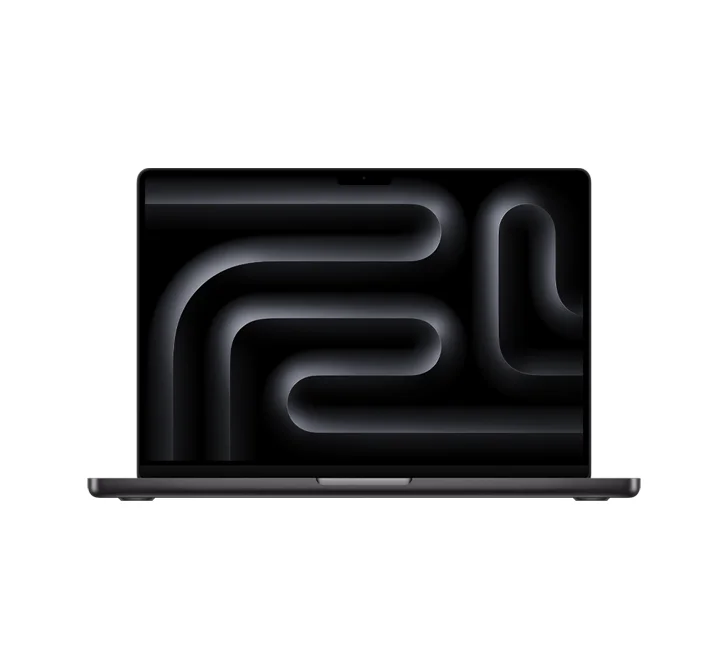
With Education pricing, the 14-inch MacBook Pro starts at $1,899 with the M5 chip, and the M5 Pro models climb to $2,399 for the 14-inch and $2,899 for the 16-inch. You're paying for active cooling that holds performance under long loads, extra GPU power, a bright mini-LED ProMotion screen and more ports, none of which most students strictly need, but some absolutely do.
If you're a computer science student running virtual machines and big compiles, a film student cutting 4K, or you live in Blender, Logic or the Adobe suite, the Pro earns its price. The 14-inch stays portable enough for campus; the 16-inch is the desk-bound powerhouse for when screen size wins.
Pros of the MacBook Pro:
Active cooling for sustained, heavy tasks
Mini-LED ProMotion display
More GPU cores for editing and rendering
More ports, including HDMI and an SD slot
Cons of the MacBook Pro:
Significantly pricier than the Air
Heavier to carry every day
Not needed for note-taking and browsing
Best for: CS and coding, film and video editing, design, 3D and engineering.
Retailer | Price (base model) | Student saving |
|---|---|---|
From $1,899 | Education pricing via the Apple student discount | |
From $1,999 | Six months free then 50% off Prime Student | |
From $1,999 | Student deals, clearance and open-box at Best Buy | |
From $1,999 | College Rollbacks plus free shipping with Walmart |
While other retailers might have other offers on such as free shipping, discounts on Apple Care or other freebies, thanks to our Apple Education store pricing the Apple Store will normally be the cheapest place to buy your MacBook for college, but it's always worth double checking.
Which MacBook is best for your major?
Your major or workload | The pick | Why |
|---|---|---|
Writing, humanities, note-taking | MacBook Neo | Runs macOS and the essentials for the lowest price |
Most majors / everyday use | MacBook Air M5 (13") | The best balance of power, battery and portability |
Lots of tabs, split-screen, bigger canvas | MacBook Air M5 (15") | Same M5 power with more room to multitask |
Computer science and coding | Air M5 (light) or Pro 14" (heavy) | 16GB RAM handles most builds; the Pro's cooling suits big compiles |
Film and video editing | MacBook Pro 14" / 16" | More GPU and a mini-LED screen for timeline scrubbing |
Design, 3D and engineering | MacBook Pro (M5 Pro) | Sustained performance for renders and heavy software |
Still weighing it up against the rest of your kit? Our guide to the best entertainment student discounts covers the streaming, software and extras that pair with a new laptop.
How do students save on a MacBook?
Start with Apple. Verify your student status and use our Apple student discount to unlock Apple Education Store pricing, which typically knocks $100 or more off a Mac, plus up to 15% off Certified Refurbished and 10% off AppleCare+.
One last move: check the refurbished store before the new one. An Apple Certified Refurbished Mac carries the same one-year warranty as new, and the saving is often bigger than any student discount on its own. A trade-in on an old laptop stacks on top of that.
FAQs
Does Apple have a student discount on MacBooks?
Yes. Verified students get Apple Education Store pricing, which usually takes $100 or more off a Mac as well as other offers that can change throughout the year.
Is a MacBook Air or Pro better for college?
For most majors, the MacBook Air M5 handles notes, research, streaming and light editing with power to spare, and it's the better value. Only step up to the Pro if you're editing video, running heavy software or compiling large projects, where the extra cooling and GPU actually pay off.
What's the best MacBook for computer science students?
The M5 MacBook Air is enough for most coursework thanks to its 16GB of RAM. If you're running virtual machines, containers or large compiles regularly, the 14-inch MacBook Pro's active cooling keeps performance steady where the fanless Air would throttle.
Is the MacBook Neo powerful enough for college?
For writing, browsing, research and streaming, yes, and at $599 with education pricing, it's the cheapest way into macOS. Just know its limits: 8GB of RAM and the A18 Pro chip mean it's not built for heavy coding or serious video editing. If that's your major, budget for the Air instead.
Unlock even more with Student Beans
All your favourite brands at your fingertips, from fashion and beauty to food and drink, available to college and uni students aged 16 and over. Dive into our blog to find tips and advice to help you navigate student life, from applying to college to life after graduation.
- Sign up for a Student Beans account or log in to start saving on the biggest and best brands.
- Download the Student Beans app to unlock exclusive app-only discounts.