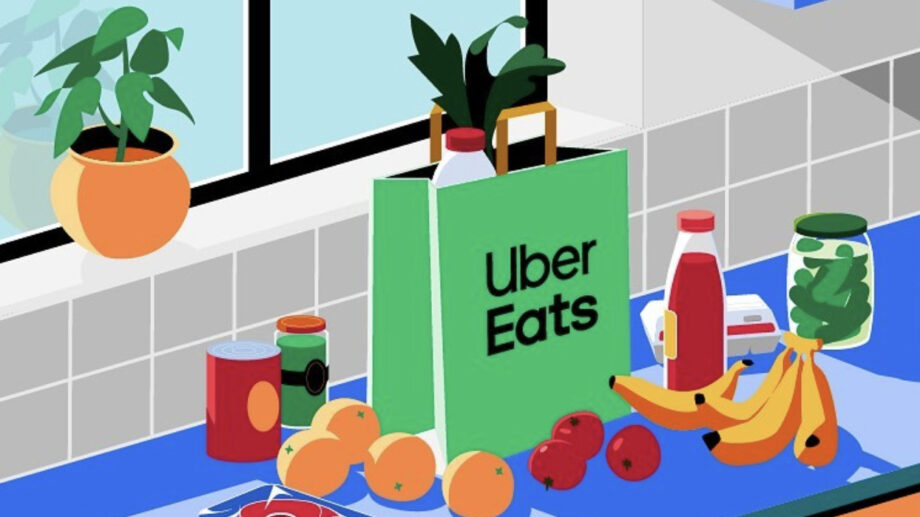
Because sometimes you're just too lazy to cook dinner.
We've all been there—it's late, you're tired and super hungry. You don't feel like making food, so you turn to your favorite delivery app to drop some deliciousness right at your doorstep. But then you see all the added fees and charges and start to wonder if it's worth it. (Spoiler: you end up getting the food anyway.)
Stop paying extra for convenience and find out how you can save money every single time you order from your favorite food delivery apps.
1. Always Be Looking For Promos & Discounts
While this might feel like a given, it's definitely worth repeating. Places like Postmates and Uber Eats almost always have some kind of special deal going on. By using these, you'll have access to the cheapest options available.
Another great option is to download a browser extension for your laptop like Honey, which automatically searches for any and all available coupon codes. Even if there are no working codes, you'll still know you're getting the cheapest possible option when you order.
2. Opt For a Membership
If you order food out frequently, signing up for a membership will likely save you money in the long run. Here are the most popular food delivery service memberships, their pricing, and what you get from each membership:
DoorDash: DashPass
Price: $10 per month
Guaranteed $0 delivery fee
Exclusive promotions
Price: $10 per month
Guaranteed $0 delivery fee
Exclusive promotions
Uber Eats: Uber One
Price: $10 per month
Guaranteed $0 delivery fee
10% off eligible Uber Eats deliveries and pick up
5% off grocery orders
Price: $10 per month
Guaranteed $0 delivery fee
10% off eligible Uber Eats deliveries and pick up
5% off grocery orders
GrubHub: GrubHub+
Price: $10 per month
Guaranteed $0 delivery fee on orders $12+
Special discounts
Price: $10 per month
Guaranteed $0 delivery fee on orders $12+
Special discounts
Postmates
$10 per month
Guaranteed $0 delivery fee
5% off service fee on orders $15+ and grocery orders $30+
$10 per month
Guaranteed $0 delivery fee
5% off service fee on orders $15+ and grocery orders $30+
3. Check Your Estimated Delivery Time
Be sure to take note of the estimated delivery time before you order your meal. Ordering from somewhere closer will obviously get you your food faster, but it will also likely save you on any delivery fees.
The further away the restaurant is, the more you're going to have to pay to have it delivered, so it's definitely worth keeping in mind.
4. Give Clear Delivery Instructions
You don't want to go to all the trouble of ordering food (and paying for it) only to have it wind up in the wrong spot or going to the wrong person. This can be especially tricky if you're ordering from a dorm or apartment.
Leave clear details in the delivery instructions to ensure your food gets to you ASAP.
Save on food delivery when you order with Student Beans
Did you know the holiday Starbucks menu drops next month? Find out everything you'll be able to order!
Unlock even more with Student Beans
All your favourite brands at your fingertips, from fashion and beauty to food and drink, available to college and uni students aged 16 and over. Dive into our blog to find tips and advice to help you navigate student life, from applying to college to life after graduation.
- Sign up for a Student Beans account or log in to start saving on the biggest and best brands.
- Download the Student Beans app to unlock exclusive app-only discounts.