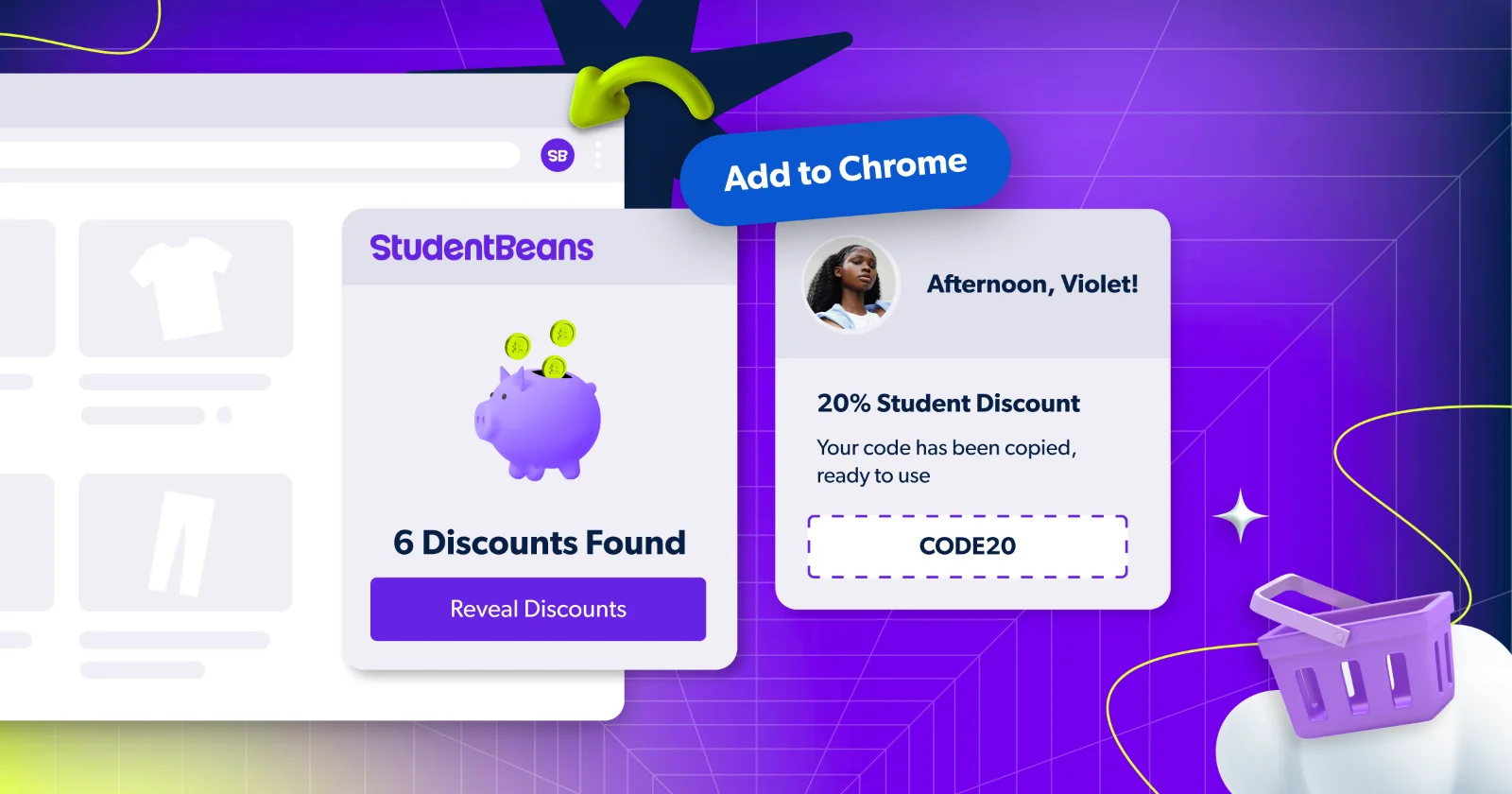
Picture this: you're about to check out online, and with zero extra effort, a little pop-up appears letting you know there's a Student Beans student discount waiting for you.
No searching, no tab-switching, no forgetting to apply a code. That's exactly what the Student Beans Chrome extension does — and if you're not using it yet, here's why you should be.
What is the Student Beans Chrome Extension?
The Student Beans Chrome extension is a free add-on for your Google Chrome browser that automatically alerts you when a student discount is available on the site you're browsing. It works quietly in the background, so you never have to think about it, until it saves you money.
It works with hundreds of brands and retailer sites, including big names like Domino's, Gymshark, Apple, Amazon, Superdrug, and many more.
What's new and improved?
We've given the extension a proper upgrade. Here's what's better:
See the discount without leaving the page: Previously, you'd have to head back to Student Beans to find out what offer was available. Now it's all right there in the pop-up, on the brand's website, without any extra steps
Grab your code without going anywhere: Your discount code is now revealed directly in the extension, so you can copy it and apply it at checkout without ever leaving the site you're on
Smoother, faster, less faff: The whole experience has been streamlined so getting your discount takes as few taps as possible
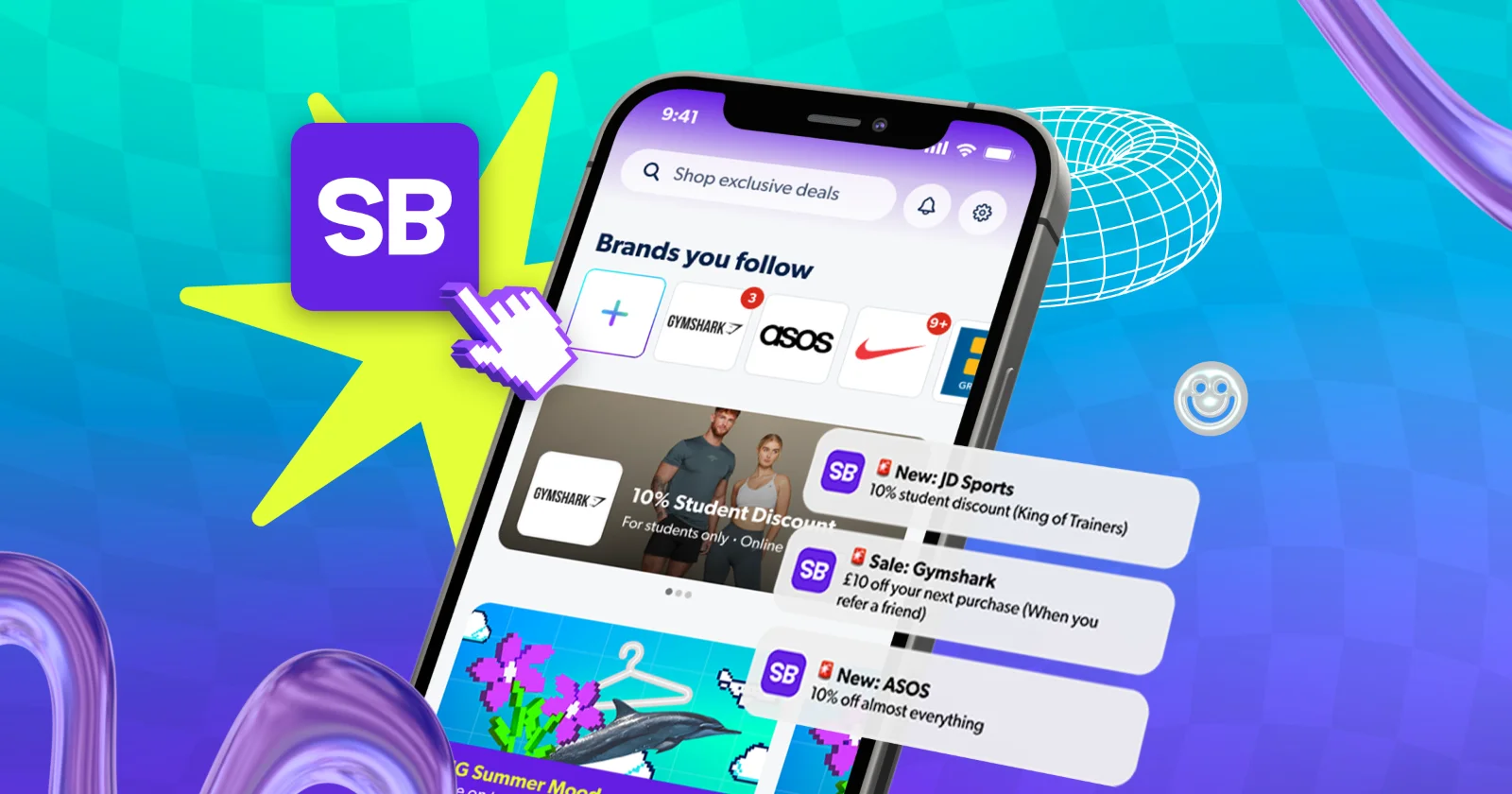
Not on your laptop? If you're browsing on your phone, download the Student Beans app instead to access your discounts on the go.
How to set up the Student Beans Chrome Extension
Getting started takes only a few secs:
Add the extension – head to the Student Beans extension located at the Chrome Web Store and click "Add to Chrome" (it's completely free)
Browse as normal – when you visit a participating brand's website, a pop-up will appear letting you know a student discount is available
Reveal and save – click "Reveal discounts" to see the offer, copy the code, and paste it at checkout
That's it. No settings to mess around with, no manual searching - just automatic savings as you shop.

What students are saying
Don't just take our word for it. Here’s what other students have said about it:
"This extension is amazing! It does all the work for me and I never miss a discount when doing some online shopping. Easiest way to save money!"
"It works really well and it saved me quite a bit of money already reminding me about the discounts I can use."
Ready to add it?
Add the Student Beans Chrome extension for free and start saving without lifting a finger.
Don't have a Student Beans account yet? Sign up for free today — it only takes a minute to verify your student status and unlock thousands of discounts.
Don't miss out on hundreds of exclusive student discounts. Download the Student Beans app and start saving today.
FAQs
Which browser does the extension work with?
The Student Beans extension is currently available on Google Chrome only. Make sure you're browsing on Chrome to get automatic discount alerts.
Do I need a Student Beans account to use it?
Yes – you'll need a verified Student Beans account to access the discounts. If you haven't signed up yet, it's free and only takes a minute.
Will it work automatically, or do I have to do something?
Once installed, it works in the background. When you visit a participating retailer's site, a pop-up will alert you that a student discount is available — no manual searching needed.
Can I use it on my phone?
The Chrome extension is for desktop browsers only. If you're on mobile, download the Student Beans app instead to access your discounts on the go.
Is the extension available outside the UK?
The Chrome extension is currently available in the UK only.
I'm having trouble with the extension — who do I contact?
Reach out to the Student Beans support team via our Help Centre and they'll get back to you.
Our ultimate guide to all things SB helps you navigate Student Beans better.
Unlock even more with Student Beans
All your favourite brands at your fingertips, from fashion and beauty to food and drink, available to college and uni students aged 16 and over. Dive into our blog to find tips and advice to help you navigate student life, from applying to uni to life after graduation.
- Sign up for a Student Beans account or log in to start saving on the biggest and best brands.
- Download the Student Beans app to unlock exclusive app-only discounts.